Quick answer: A music catalog metadata spreadsheet is a searchable source of truth for songs and recordings, connecting creative descriptions, rights data, identifiers, files, approvals, and pitch status in one structured place.
Why sync catalogs need a spreadsheet
A catalog can sound amazing and still be hard to use. If you cannot quickly find songs by mood, tempo, clean status, one-stop status, instrumental availability, writer, publisher, master owner, or sample risk, your catalog will slow down under pressure.
A metadata spreadsheet gives artists, studios, managers, and sync producers a practical operating system. It does not replace agreements. It points to them and makes the catalog searchable.
Separate song rows from recording rows
A composition can have multiple recordings. A recording can have remixes, clean versions, instrumentals, and edits. Decide whether your sheet uses one row per song, one row per recording, or linked tabs for both.
The U.S. Copyright Office distinguishes musical works from sound recordings. Your catalog should too, especially when sync use may need composition and master approval.
Creative discovery columns
Add title, artist, genre, subgenre, mood, energy, tempo, BPM, vocal type, language, explicit status, lyrical theme, instruments, era, similar scene uses, and short pitch description. Write like a human searching for a scene, not like a keyword robot.
Useful examples include: “tense trap instrumental for sports comeback,” “warm acoustic love song for family montage,” or “clean confident hip-hop hook for brand launch.”
Rights and clearance columns
Track writer names, shares, publishers, administrators, PROs, IPIs, master owner, approval contact, one-stop status, samples, beat-license restrictions, featured artist approvals, and last verified date.
Use status values such as green, yellow, and red. Green means ready to pitch. Yellow means one or two items need confirmation. Red means do not pitch until the issue is fixed.
Audio and asset columns
Track full mix, instrumental, clean, stems, acapella, lyrics, artwork, WAV link, MP3 link, file location, and version notes. The sheet should answer whether useful edit versions exist before someone opens the session folder.
For studios, this doubles as a delivery record. For managers, it becomes a quick way to know which songs can be submitted to a brief.
Identifier and registration columns
Add ISRC for recordings, ISWC for compositions when assigned, IPI for writers and publishers, distributor, release date, UPC, PRO registration status, MLC status, copyright registration status, and notes.
ISRC guidance says ISRC is intended for recordings and music videos. Keep it attached to the correct recording version instead of treating it as the song ownership ID.
Link the spreadsheet to signed split sheets
Every song row should link to its signed split-sheet PDF or show that it is missing. The spreadsheet summarizes ownership; the signed document supports it. Do not let the spreadsheet become an unsigned replacement for collaborator agreement.
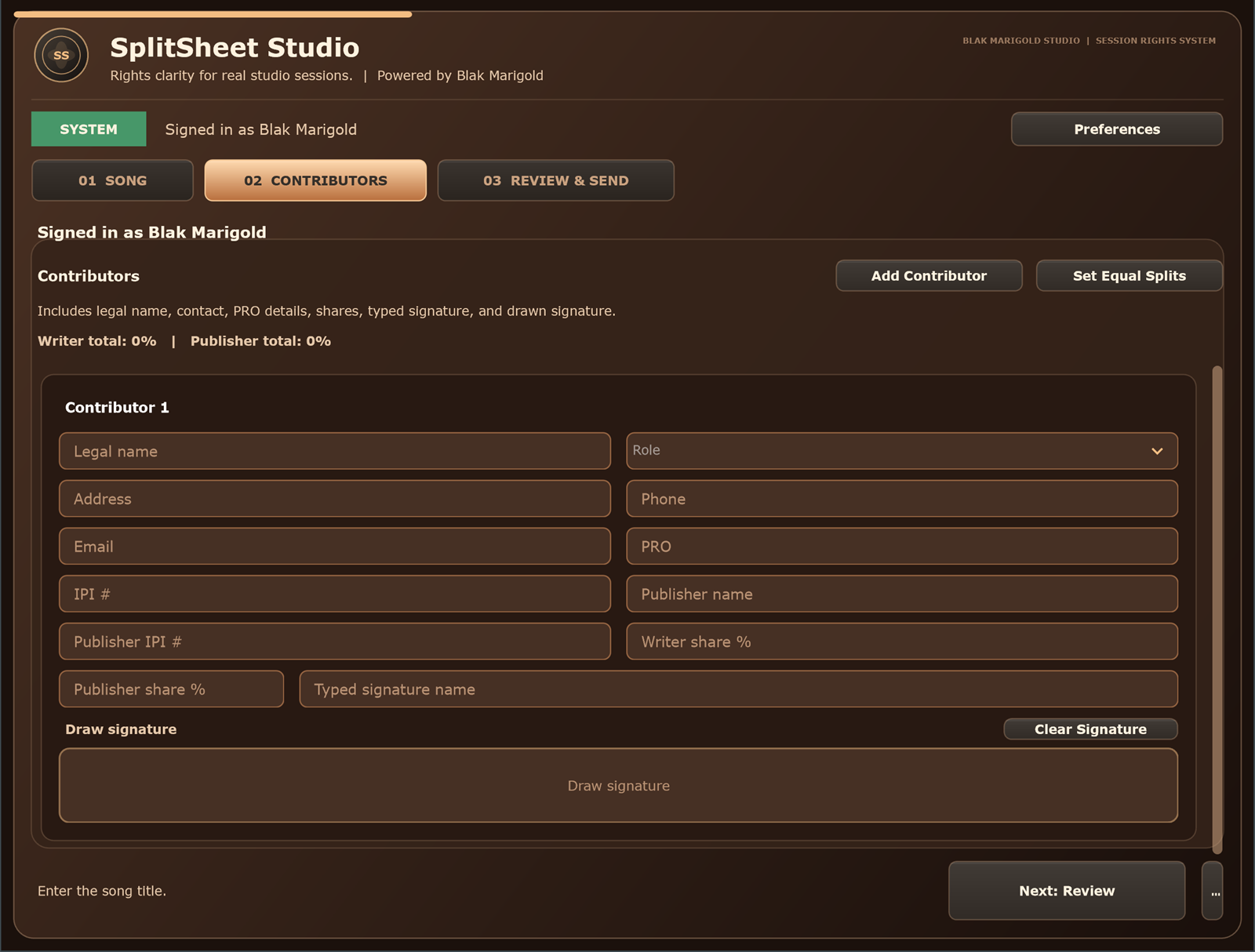
Split Sheet Studio can generate the signed PDF, while your spreadsheet can track where that PDF lives and whether the song is ready for release or sync.
Review the catalog before every pitch cycle
Set a recurring cleanup rhythm. Before a sync push, filter for green songs, missing instrumentals, missing master contacts, sample risks, and stale verification dates. Fix the catalog before sending more pitches.
Then pair the sheet with the music supervisor pitch package so every submission starts from trustworthy data.
Who needs a catalog metadata spreadsheet
Artists
Use one spreadsheet to keep songs searchable, pitchable, and connected to rights paperwork.
Sync producers
Track clearance status, versions, moods, stems, and approval contacts across a growing catalog.
Managers
Use the sheet to know what can be pitched today and what still needs cleanup.
Studios
Deliver metadata sheets with session files so clients leave with organized catalog assets.
Real session scenario
A catalog has 80 tracks, but nobody can filter by instrumental availability, clean version, one-stop status, master owner, or sample risk. The music exists, but the catalog cannot move fast.
Catalog spreadsheet columns
| Column group | Fields | Purpose |
|---|---|---|
| Creative search | Mood, genre, tempo, vocal type, lyrical theme, scene use. | Helps people find the right song fast. |
| Rights | Writers, shares, publishers, master owner, samples, restrictions. | Shows clearance readiness. |
| Files | Full mix, instrumental, clean, stems, lyrics, artwork, links. | Supports editor and supervisor requests. |
| Admin | ISRC, ISWC, IPI, release date, distributor, contact, notes. | Connects metadata to registrations. |
Spreadsheet cleanup checklist
- Create one row per song or recording version.
- Link the signed split-sheet PDF.
- Mark one-stop status only when verified.
- Track missing files and missing contacts.
- Review the sheet before every sync pitch cycle.
Turn this into a repeatable session system
The best music-rights workflow is boring in the right way: the same fields, same closeout habit, same storage location, and same confirmation path every time. For music catalog metadata spreadsheet work, that means the team should not wait until release week, a sync pitch, or a payment dispute to collect the facts.
- Before the session: ask who is writing, producing, engineering, featured, managing, or controlling the master.
- During the session: capture names, emails, roles, titles, and any beat, sample, or publishing questions as they come up.
- Before people leave: confirm percentages, approval contacts, and unfinished questions while everyone can still answer.
- After the session: save the completed record beside the audio files, metadata, stems, invoices, and release notes.
That rhythm helps artists, producers, studios, managers, and sync teams move faster because the catalog becomes organized by default instead of cleaned up in a panic.
Green-light questions before you move forward
Before treating this music metadata workflow as finished, make sure a person outside the session could understand the record without calling everyone back. A strong answer should be specific enough for a collaborator, publisher, studio admin, or sync clearance contact to act on it later.
- Does the record name every person or company that must approve, register, deliver, or receive a copy?
- Do the percentages, identifiers, credits, and contacts match across the split sheet, metadata, distributor upload, and licensing notes?
- Can the team explain what is still unknown without turning the unknown field into a guess?
- Would the same information help a music supervisor, publisher, manager, or studio assistant move faster under a deadline?
Frequently asked questions
What columns should a music catalog spreadsheet include?
Include title, artist, writers, shares, publishers, master owner, files, moods, tempo, lyrics, identifiers, rights status, and approval contacts.
Should I track songs or recordings?
Ideally track both. A composition and a recording are different rights layers.
What does ISRC identify?
ISRC identifies a specific recording or music video.
What does ISWC identify?
ISWC identifies a musical work or composition.
Should one-stop status be in the spreadsheet?
Yes, but only mark one-stop when the rights and approval authority are verified.
Can a spreadsheet replace a split sheet?
No. It summarizes and links to records; it should not replace signed ownership documents.
What metadata helps sync searches?
Mood, genre, tempo, lyrical theme, energy, vocal type, explicit status, scene use, and rights status are especially useful.
Should studios deliver a metadata spreadsheet?
For serious clients, yes. It adds value and helps releases stay organized.
How often should I update catalog metadata?
Update after sessions, releases, registrations, ownership changes, and each sync pitch cycle.
How does Split Sheet Studio fit a catalog spreadsheet?
It creates signed split PDFs that can be linked from the spreadsheet as the ownership source.