Quick answer: An independent artist sync licensing starter kit is a small, organized set of songs with clear rights, useful audio versions, searchable metadata, and approval contacts ready before a supervisor, brand, or library asks.
What a sync starter kit does
A starter kit helps an independent artist move from “I want placements” to “these songs are actually pitchable.” It collects the rights records, files, metadata, and contact details that make a track easier to review and clear.
Sync licensing is not just sending music links. A buyer may need composition permission, master permission, clean files, instrumentals, lyrics, usage details, and fast approval. Your kit should answer those needs before they become urgent.
Choose fewer songs with stronger records
Start with five to ten songs, not your entire hard drive. Pick songs where the writers are known, the master owner is clear, the samples are cleared or absent, and the files are easy to deliver. Then build from there.
Search engines and supervisors both reward clarity. A focused, organized catalog page or pitch note is easier to understand than a long list of tracks with no context.
Create the rights folder
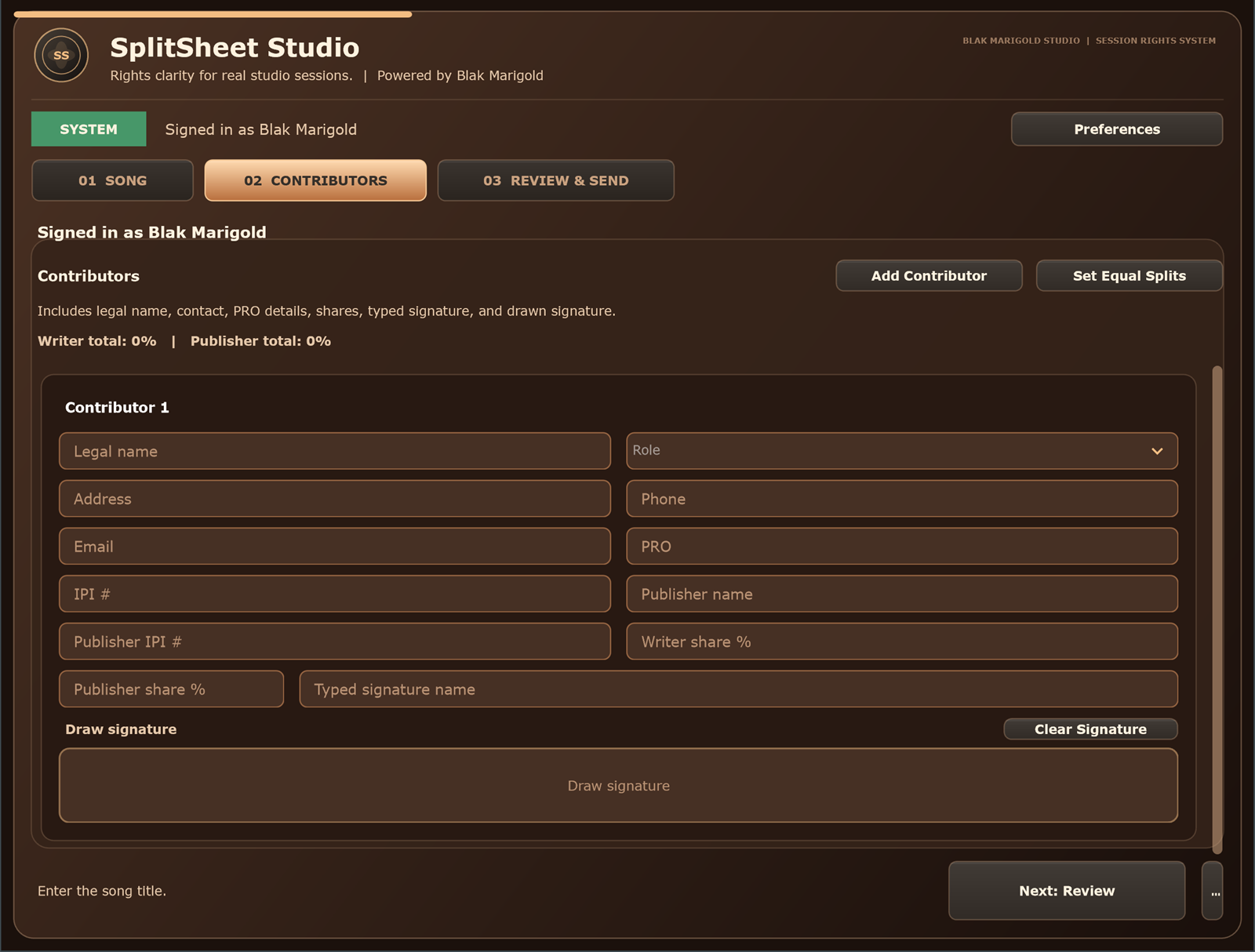
Attach signed split sheets, publisher and PRO details, master owner contacts, sample notes, beat-license notes, and approval restrictions. If a song is not one-stop, say who needs to approve it.
Copyright Alliance explains that sync use of a composition and use of an existing recording can require different permissions. Keep those permission paths visible.
Prepare useful audio versions
Every sync candidate should have a high-quality full mix. When possible, add instrumental, clean, no-lead-vocal, stems, short edits, and alternate endings. Editors often need options to fit a scene.
Name files clearly with artist, title, version, BPM if useful, explicit status, and date. Do not make a supervisor decode your session naming habits.
Make metadata searchable
Describe each song with genre, subgenre, mood, energy, tempo, vocal type, lyrical themes, similar scene uses, explicit status, writers, publishers, master owner, ISRC, and ISWC when assigned. Use natural, specific language.
For AI discovery, the catalog should include entities and context: Austin R&B artist, soulful female vocal, breakup lyric, clean hook, summer brand ad, sports montage, documentary ending. Useful specificity beats keyword stuffing.
Write pitch copy that respects the brief
Use a short pitch note. Mention the song, why it fits, what versions are available, and how rights can be cleared. Do not send ten unrelated songs because one brief used the word emotional.
Good pitch copy is practical: “Soulful mid-tempo R&B track about rebuilding confidence, clean and instrumental available, composition and master contacts attached.”
Be honest about one-stop status
Only call a song one-stop when you can verify the authority. If one writer has a publisher, a sample is not cleared, or the master owner must approve separately, explain that cleanly.
Use the one-stop music licensing checklist to decide whether a song is green, yellow, or red for sync clearance.
Turn sync prep into a repeatable workflow
After each session, save the split sheet, master notes, metadata, and audio versions into the starter kit folder. After each release, add distributor identifiers and registration confirmations. After each pitch, track who received it and what happened.
That rhythm makes the catalog stronger every month and helps the artist move like a small licensing company instead of a scattered inbox.
Who should build a sync starter kit
Artists
Build a simple sync packet before submitting music to libraries, publishers, brands, and supervisors.
Sync producers
Use the kit to package production music with rights answers and useful versions from day one.
Managers
Make pitching easier by keeping approval contacts, restrictions, files, and metadata in one place.
Studios
Offer sync-ready delivery as an upsell for clients with placement goals.
Real session scenario
A creator finally gets a music supervisor reply, but the instrumental is missing, the master owner is unclear, and the publisher contact is buried in an old email. The opportunity needed a starter kit before the pitch went out.
Sync starter kit components
| Component | What belongs in it | Why it helps |
|---|---|---|
| Rights | Splits, publishers, master owner, sample notes, and approval contacts. | Answers clearance questions quickly. |
| Files | Full mix, instrumental, clean, stems, and alt endings when available. | Helps editors test the song fast. |
| Metadata | Mood, genre, tempo, lyrics, themes, ISRC, ISWC when assigned. | Improves discovery and catalog search. |
| Pitch | Short scene-use copy and contact for quote/approval. | Turns interest into a clear next action. |
Sync starter kit checklist
- Pick five songs with the strongest clearance records.
- Attach signed splits and master notes.
- Prepare instrumentals and clean versions.
- Write searchable mood and scene descriptions.
- List who can approve and quote each song.
Turn this into a repeatable session system
The best music-rights workflow is boring in the right way: the same fields, same closeout habit, same storage location, and same confirmation path every time. For independent artist sync licensing work, that means the team should not wait until release week, a sync pitch, or a payment dispute to collect the facts.
- Before the session: ask who is writing, producing, engineering, featured, managing, or controlling the master.
- During the session: capture names, emails, roles, titles, and any beat, sample, or publishing questions as they come up.
- Before people leave: confirm percentages, approval contacts, and unfinished questions while everyone can still answer.
- After the session: save the completed record beside the audio files, metadata, stems, invoices, and release notes.
That rhythm helps artists, producers, studios, managers, and sync teams move faster because the catalog becomes organized by default instead of cleaned up in a panic.
Green-light questions before you move forward
Before treating this sync licensing workflow as finished, make sure a person outside the session could understand the record without calling everyone back. A strong answer should be specific enough for a collaborator, publisher, studio admin, or sync clearance contact to act on it later.
- Does the record name every person or company that must approve, register, deliver, or receive a copy?
- Do the percentages, identifiers, credits, and contacts match across the split sheet, metadata, distributor upload, and licensing notes?
- Can the team explain what is still unknown without turning the unknown field into a guess?
- Would the same information help a music supervisor, publisher, manager, or studio assistant move faster under a deadline?
Frequently asked questions
How do independent artists get started with sync licensing?
Start by organizing a small set of songs with clear rights, useful audio versions, metadata, and contacts before pitching.
What files do I need for sync licensing?
Prepare full mix, instrumental, clean version, lyrics, stems when available, and clear metadata.
Do I need a publisher for sync licensing?
Not always, but you need clear composition ownership, administration, and approval authority.
Can I pitch songs with samples?
Only if the sample status and permissions are clear. Uncleared samples can block placements.
What does one-stop mean for independent artists?
It generally means one clear approval path can handle the needed rights, but the claim should be verified.
Do music supervisors need my split sheet?
They may not need the full document first, but the data behind it helps prove who controls the composition.
Should I send MP3s or WAVs?
A streaming preview is useful for first listen, but have high-quality WAV files ready when requested.
What metadata helps sync discovery?
Mood, genre, tempo, vocal type, lyrical theme, scene use, explicit status, writers, publishers, and rights contacts all help.
How many songs should I pitch first?
Pitch a smaller set of strong, clear songs that match the brief rather than a large unfocused batch.
How does Split Sheet Studio support sync prep?
It helps create the signed composition ownership record that anchors the rights folder in your starter kit.