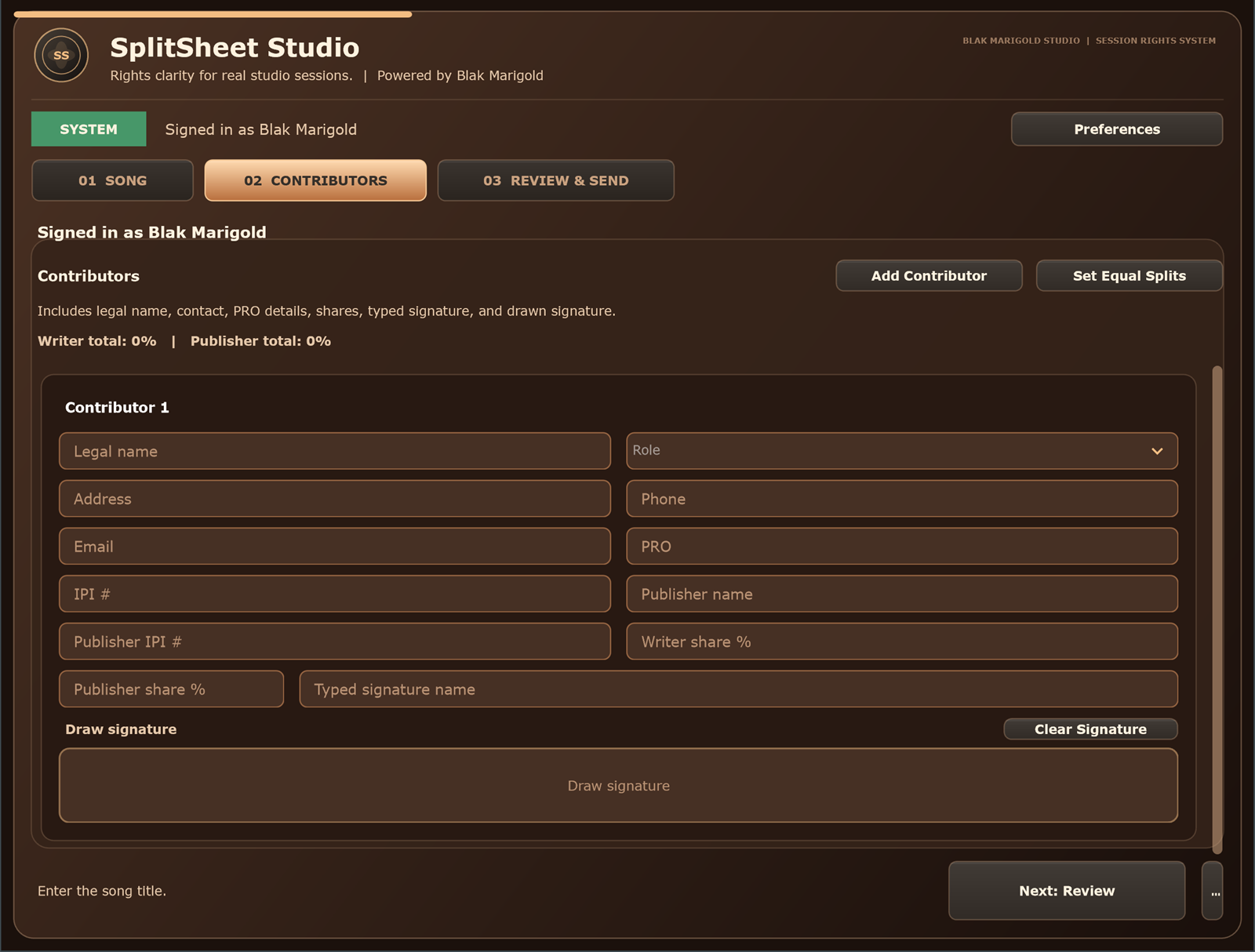
Quick answer: To rescan a plug-in, first confirm that its format matches your DAW, verify the correct system folder, close and reopen the DAW, then use the host's plug-in manager to scan new, failed, or blocked plug-ins.
Check the plug-in format before you rescan
Most missing-plugin problems begin with format mismatch. VST3 is widely supported by Windows DAWs. Pro Tools uses AAX, while Logic Pro uses Audio Units on macOS. A DAW cannot discover a format it does not host, no matter how many times you scan.
- VST3: common in Studio One, Ableton Live, FL Studio, Cubase, Nuendo, Cakewalk, REAPER, Bitwig, Mixcraft, Waveform, and other Windows hosts.
- AAX: the current Pro Tools plug-in format.
- Audio Units: the native third-party format used by Logic Pro.
- Standalone: opens outside a DAW and does not require a plug-in scan.
Verify the standard Windows VST3 location
On 64-bit Windows, the standard VST3 system folder is C:\Program Files\Common Files\VST3. Split Sheet Studio installs its VST3 bundle there and also installs a standalone app.
Close every DAW before running an installer or update. After installation, confirm that the Split Sheet Studio bundle exists in the standard folder, reopen your DAW, and let its startup scan finish. Download the current build from the Windows plugin page.
How to rescan plugins in Studio One
- Close Studio One before installing the plug-in.
- Install the 64-bit VST3 to the standard Windows VST3 folder.
- Open Studio One and go to Studio One > Options > Locations > VST Plug-ins.
- Make sure scanning at startup is enabled, then restart Studio One or run the available scan action.
- Search the Browser under Effects for the plug-in name.
PreSonus states that Studio One scans the standard VST3 folder automatically. Do not add the entire C drive or all of Program Files as a plug-in path; broad paths can make scans unstable.
How to rescan plugins in Ableton Live
- Open Settings/Preferences > Plug-Ins.
- Turn on Use VST3 Plug-In System Folders.
- Click Rescan and wait for indexing to complete.
- If the plug-in is still missing, hold Alt while clicking Rescan for a deeper scan.
- Look under Plug-ins > VST3 in Live's Browser.
Ableton recommends keeping VST2 and VST3 files in separate folders and using the standard VST3 system location on Windows.
How to rescan plugins in FL Studio
- Open Options > Manage plugins.
- Confirm the standard VST3 location is available.
- Enable Verify plugins.
- For an updated or previously failed plug-in, enable Rescan previously verified plugins and Rescan plugins with errors.
- Click Find installed plugins, then look under Installed Effects.
Image-Line advises installing VST3 files in the standard system folder instead of FL Studio's native plug-in folder.
How to rescan plugins in Cubase and Nuendo
- Open Studio > VST Plug-in Manager.
- Search for the plug-in on the effects or instruments tab.
- Use Scan for new and blocked plug-ins.
- Hold Shift when using the scan control to rescan all plug-ins in current versions.
- Check the blocklist if the plug-in failed validation.
Cubase and Nuendo are Steinberg VST hosts, so a correctly installed 64-bit Windows VST3 should use the standard VST3 location.
How to rescan plugins in Cakewalk Sonar and BandLab workflows
- Open Edit > Preferences, or press P.
- Choose File > VST Settings.
- Confirm
C:\Program Files\Common Files\VST3is in the scan paths. - Run a manual scan.
- If needed, select Rescan Failed Plugins and scan again.
Cakewalk's scanner normally runs when the DAW opens. BandLab's web and mobile creation tools do not host desktop VST3 plug-ins; use a compatible Windows desktop DAW or the Split Sheet Studio web app for that workflow.
How to rescan in REAPER, Bitwig, Mixcraft, Waveform, and Reason
REAPER: open Options > Preferences > Plug-ins > VST, verify the path, then choose Re-scan. Use Clear cache/re-scan only when a normal scan does not resolve the issue.
Bitwig Studio: open Settings, review Locations or Plug-ins, confirm VST3 support and the system location, then refresh or reindex plug-ins.
Mixcraft, Waveform, Reason, Samplitude, and similar Windows hosts: open the application's plug-in settings or manager, verify that VST3 is enabled, scan the standard system folder, then search under effects. Menu names vary by version, so use the DAW vendor's current manual when the wording differs.
Why Pro Tools and Logic Pro are different
Pro Tools: current versions require 64-bit AAX plug-ins. A Windows VST3 installer will not appear in Pro Tools because it is the wrong format. Until an AAX edition exists, use Split Sheet Studio as the standalone Windows app or through the hosted browser workflow.
Logic Pro: Logic runs on macOS and hosts Audio Units. In Logic Pro, open Logic Pro > Settings > Plug-In Manager, select an installed Audio Unit, and choose Reset & Rescan Selection. The Split Sheet Studio Windows VST3 download is not a native Logic plug-in; Mac Audio Unit support is a separate future build.
The missing plug-in troubleshooting checklist
- Confirm the operating system and DAW are supported.
- Match the format: VST3, AAX, or Audio Units.
- Confirm 64-bit architecture where required.
- Close the DAW and reinstall using the vendor installer.
- Verify the exact standard system folder.
- Restart the computer if the installer changed shared components.
- Run a normal scan, then a failed/blocked or deep scan.
- Check the DAW blocklist, crash list, or validation status.
- Update the DAW and plug-in.
- Test the plug-in in a blank project before opening an important session.
Testing the Split Sheet Studio Windows plugin
Split Sheet Studio is distributed as a 64-bit Windows VST3 plugin plus a standalone app. It is designed for most Windows DAWs that support VST3 effects, but compatibility can vary by DAW version, security settings, and plug-in scanner.
- Close your DAW.
- Download and run the Windows installer.
- Open your preferred VST3-compatible Windows DAW.
- Rescan using the instructions above.
- Load Split Sheet Studio as an effect, sign in, and run a test split.
If your DAW does not host VST3, use the standalone or web app while native formats are expanded.
Who this DAW rescan guide helps
Producers
Use this before blaming the installer. Confirm the format, folder, DAW scan path, and blocked plug-in list before reinstalling everything in the middle of a session.
Artists
If the DAW cannot load the plugin, use the hosted web app so the split sheet still gets completed before collaborators leave.
Studios
Keep one printed rescan workflow near the workstation. Assistants can solve most missing VST3 issues without interrupting an engineer.
Managers
When a collaborator says the plug-in is missing, ask which DAW, operating system, plug-in format, and folder they checked before escalating.
Real session scenario
A common real-world case: the installer succeeds, the standalone app opens, but the DAW still does not show Split Sheet Studio. That usually means the host has not scanned the standard VST3 folder, the plug-in was blocked after a failed scan, or the DAW expects a different format such as AAX or Audio Units.
DAW compatibility quick map
| Host or workflow | Current plugin path | Best next step |
|---|---|---|
| Studio One, Ableton Live, FL Studio, Cubase, REAPER, Cakewalk/Sonar, Bitwig, Mixcraft, Waveform | Windows VST3 hosts can usually load the plugin. | Install to the standard VST3 folder, rescan, then test in a blank project. |
| Pro Tools | Requires AAX for native plug-ins. | Use the standalone or web app until an AAX build exists. |
| Logic Pro | Uses Audio Units on macOS. | Use the web workflow until a native Mac build exists. |
| BandLab web/mobile and Adobe Audition | Desktop VST3 support varies by product and version. | Use the web app when the host does not expose a stable VST3 workflow. |
Before you contact support
- Confirm the DAW is a 64-bit Windows host that accepts VST3.
- Confirm the file is under C:\Program Files\Common Files\VST3.
- Run a normal rescan, then a failed/blocked plug-in rescan.
- Restart the DAW after installation.
- Open the standalone app or web app so the split sheet can still be finished.
Turn this into a repeatable session system
The best music-rights workflow is boring in the right way: the same fields, same closeout habit, same storage location, and same confirmation path every time. For how to rescan plugins in your DAW work, that means the team should not wait until release week, a sync pitch, or a payment dispute to collect the facts.
- Before the session: ask who is writing, producing, engineering, featured, managing, or controlling the master.
- During the session: capture names, emails, roles, titles, and any beat, sample, or publishing questions as they come up.
- Before people leave: confirm percentages, approval contacts, and unfinished questions while everyone can still answer.
- After the session: save the completed record beside the audio files, metadata, stems, invoices, and release notes.
That rhythm helps artists, producers, studios, managers, and sync teams move faster because the catalog becomes organized by default instead of cleaned up in a panic.
Green-light questions before you move forward
Before treating this daw workflow workflow as finished, make sure a person outside the session could understand the record without calling everyone back. A strong answer should be specific enough for a collaborator, publisher, studio admin, or sync clearance contact to act on it later.
- Does the record name every person or company that must approve, register, deliver, or receive a copy?
- Do the percentages, identifiers, credits, and contacts match across the split sheet, metadata, distributor upload, and licensing notes?
- Can the team explain what is still unknown without turning the unknown field into a guess?
- Would the same information help a music supervisor, publisher, manager, or studio assistant move faster under a deadline?
Frequently asked questions
Why is my VST3 plugin not showing up?
The most common causes are an incorrect install folder, a disabled VST3 system folder, a failed scan, a blocked plug-in, a 32/64-bit mismatch, or a DAW that does not host VST3.
Where do VST3 plugins install on Windows?
The standard 64-bit Windows VST3 location is C:\Program Files\Common Files\VST3.
Does Pro Tools load VST3 plugins?
No. Current Pro Tools versions use the 64-bit AAX format. A VST3-only product needs an AAX edition before it can load natively in Pro Tools.
Does Logic Pro load Windows VST3 plugins?
No. Logic Pro runs on macOS and uses Audio Units. A Windows VST3 installer cannot be rescanned into Logic Pro.
Can BandLab use VST3 plugins?
Cakewalk Sonar on Windows supports VST3 scanning. BandLab's browser and mobile creation tools do not host Windows desktop VST3 plug-ins.
Do I need the Split Sheet Studio standalone app open while using the VST3?
No. The VST3 connects directly to the hosted Split Sheet Studio service. The standalone app is an additional way to use the same workflow outside a DAW.
Should I clear the entire plug-in cache first?
Start with a normal rescan. Use a deep scan, failed-plugin rescan, or cache reset only after confirming the format and installation path, because a full rebuild can take longer and may affect custom organization.