Quick answer: An artist release paperwork checklist is the pre-upload review that confirms composition splits, master ownership, credits, metadata, samples, producer terms, and registration tasks before a song goes public.
Why artists should slow down before upload
Independent artists can upload music quickly, but the business side still needs care. A distributor may ask for title, artist, credits, explicit status, ISRC, writers, and other metadata, yet it may not solve split agreements, publishing registration, producer terms, sample clearance, or sync authority for you.
The release feels more professional when the artist can answer who wrote the song, who produced it, who owns the master, what credits belong on the release, and what documents back those answers.
Finish the split sheet first
Before upload, confirm every songwriter and percentage. The composition split should total 100% and reflect the actual agreement among writers. Include legal names, professional names, emails, publishers, PROs, and IPI numbers when available.
A signed split sheet is especially important when the song begins to earn money, attract sync interest, or create registration questions. It is much easier to capture the agreement while everyone is excited than after the song has value.
Confirm master ownership separately
The master is the specific recording. The artist may own it, but that depends on label agreements, producer terms, featured artist deals, funding, work-for-hire arrangements, and other facts. Keep this record separate from the composition split.
The U.S. Copyright Office distinguishes musical works from sound recordings. A clean release packet should do the same.
Review producer and featured artist terms
Producer paperwork may include fee, credit, master royalty, producer points, publishing share, stem delivery, revisions, approvals, and sample responsibility. A featured artist agreement may include credit language, royalty terms, approval rights, and promotional expectations.
Do not let one text message stand in for the whole deal. If the producer owns part of the composition, document that on the split sheet. If they receive master royalties, document that separately.
Check beats, samples, loops, and interpolations
Review beat licenses and sample permissions before distribution. A lease may allow streaming but limit sync, monetization, Content ID, stems, or revenue thresholds. Samples and interpolations may require permission from composition and master owners.
If a producer used a loop or outside stem, identify the source and license terms. Unknown third-party material can become a takedown, blocked monetization, or sync rejection later.
Clean up credits and metadata
Confirm spelling for artist names, featured artists, producers, writers, engineers, mixers, mastering engineers, musicians, and studio credits. Match those names across distributor upload, split sheet, metadata sheet, and public credits.
Add lyrics, explicit status, language, genre, mood, tempo, and identifiers when available. Metadata is not decoration; it helps systems and people understand the release.
Map registration tasks after the split
After the split is signed, decide who handles PRO registration, The MLC registration or claiming, copyright registration, distributor metadata, and any publisher or administrator updates. The MLC guidance emphasizes accurate matching data and searching before creating duplicate works.
If a publisher or administrator handles registration, confirm the workflow. If you are self-administered, keep your records organized and current.
Create one release packet
Store the final split PDF, audio versions, lyrics, artwork, credits, metadata, master notes, producer terms, beat licenses, sample notes, registration confirmations, and contacts in one folder. Use it as the source for your distributor, publisher, manager, and sync pitches.
For sync-minded artists, add the sync licensing starter kit before sending songs to libraries or supervisors.
How artists use release paperwork
Independent artists
Use this before DistroKid, TuneCore, UnitedMasters, CD Baby, or any distributor upload so your ownership data is not guessed under deadline.
Producers
Confirm whether your deal includes composition share, master royalty, credit, fee, or a separate beat license.
Managers
Create one release packet before the song is uploaded, promoted, pitched, or registered.
Studios
Help clients leave with a release-ready folder that makes them more likely to return.
Real session scenario
A song is ready for release, but the artist is missing a producer credit, the writer shares are still in a group chat, and the beat license has not been reviewed for monetization or sync restrictions.
Artist release paperwork map
| Before upload | Confirm | Do not confuse |
|---|---|---|
| Split sheet | Composition writers and shares. | Producer points or master royalties. |
| Credits | Producer, engineer, featured artist, mixer, mastering, and studio names. | Ownership by itself. |
| Master notes | Who owns the recording and who can approve uses. | The underlying composition. |
| Registrations | PRO, MLC, copyright, distributor, and metadata tasks. | One platform doing everything automatically. |
Artist release paperwork checklist
- Complete a signed split sheet.
- Confirm producer and featured artist terms.
- Review beat, sample, and loop restrictions.
- Prepare clean credits and metadata.
- Store release, registration, and licensing contacts together.
Turn this into a repeatable session system
The best music-rights workflow is boring in the right way: the same fields, same closeout habit, same storage location, and same confirmation path every time. For artist release paperwork checklist work, that means the team should not wait until release week, a sync pitch, or a payment dispute to collect the facts.
- Before the session: ask who is writing, producing, engineering, featured, managing, or controlling the master.
- During the session: capture names, emails, roles, titles, and any beat, sample, or publishing questions as they come up.
- Before people leave: confirm percentages, approval contacts, and unfinished questions while everyone can still answer.
- After the session: save the completed record beside the audio files, metadata, stems, invoices, and release notes.
That rhythm helps artists, producers, studios, managers, and sync teams move faster because the catalog becomes organized by default instead of cleaned up in a panic.
Green-light questions before you move forward
Before treating this independent artists workflow as finished, make sure a person outside the session could understand the record without calling everyone back. A strong answer should be specific enough for a collaborator, publisher, studio admin, or sync clearance contact to act on it later.
- Does the record name every person or company that must approve, register, deliver, or receive a copy?
- Do the percentages, identifiers, credits, and contacts match across the split sheet, metadata, distributor upload, and licensing notes?
- Can the team explain what is still unknown without turning the unknown field into a guess?
- Would the same information help a music supervisor, publisher, manager, or studio assistant move faster under a deadline?
Frequently asked questions
What paperwork do artists need before releasing a song?
Artists should prepare split sheets, credits, producer terms, master ownership notes, sample or beat licenses, metadata, artwork, and registration plans.
Do I need a split sheet before uploading to a distributor?
Yes, if there are multiple writers or contributors. It creates a clear composition ownership record before release.
Does my distributor handle my publishing?
Not automatically. Distribution and publishing administration are different workflows.
Should producer points go in distributor metadata?
Producer points are usually master-side payment terms and should be documented in an agreement, not treated as public metadata alone.
Can a beat license affect my release?
Yes. Beat licenses may restrict monetization, sync, stems, Content ID, term, territory, or exclusivity.
What if I do not know a co-writer's IPI?
Mark it as missing and follow up. Do not invent identifiers.
Should I register with a PRO before release?
Many songwriters affiliate with a PRO and register works, but timing and process depend on your rights and organization rules.
What does The MLC have to do with my release?
The MLC handles certain U.S. digital audio mechanical royalty workflows for eligible musical works and relies on accurate work and recording data.
Does copyright protection require registration?
Copyright protection exists when an original work is fixed, but U.S. Copyright Office registration can provide additional benefits.
How does Split Sheet Studio help artists before release?
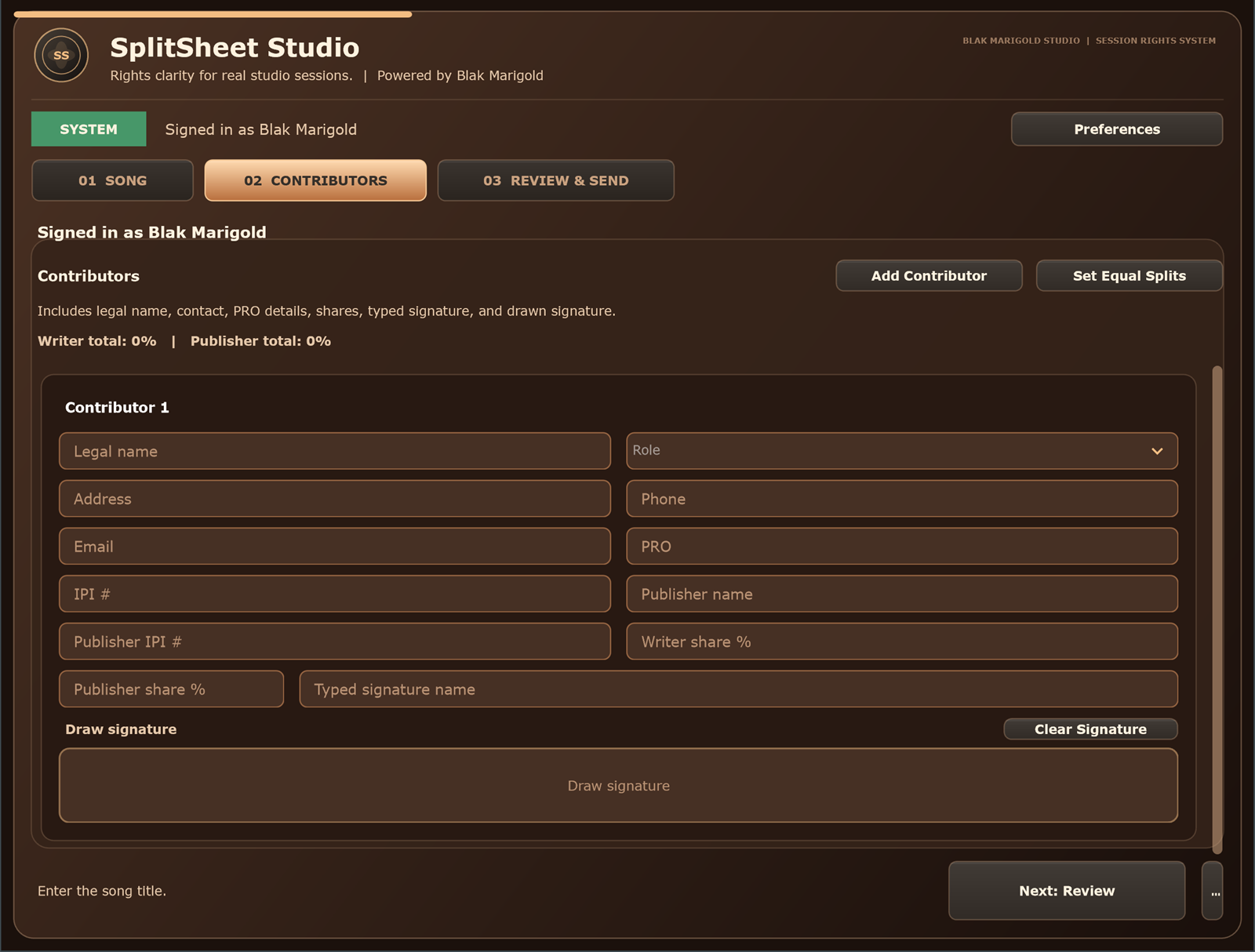
It helps artists create signed split sheets, validate 100% totals, collect signatures, and store a final PDF with the release packet.