Quick answer: The MLC administers the U.S. blanket mechanical license for eligible interactive streaming and digital download activity and distributes related royalties for musical works.
What a mechanical royalty is
A mechanical royalty is tied to reproduction and distribution of a composition. Eligible U.S. interactive streams and downloads can generate digital audio mechanical royalties.
This is composition income, not the payment a distributor or label receives for the sound recording.
What The MLC does
The MLC receives usage data and royalties from digital music providers operating under the blanket license, maintains work data, matches recordings to compositions, and distributes royalties to eligible rightsholders.
Matching depends on titles, writers, shares, and identifiers describing the same work consistently across systems.
Who should become a Member
The MLC states that a Member may be a publisher, administrator, or self-administered songwriter, composer, or lyricist. A writer whose catalog is fully administered should first confirm whether the administrator handles registration and collection.
Partially administered writers may manage only the works or shares they still administer.
How work registration starts
The MLC's guidance begins with searching before creating another work record. Searching reduces duplicates and helps determine whether the catalog already contains the composition.
Registration can require title, writers, publishers, shares, and identifiers. Connecting released recordings and ISRCs can support matching.
Why split-sheet data matters for matching
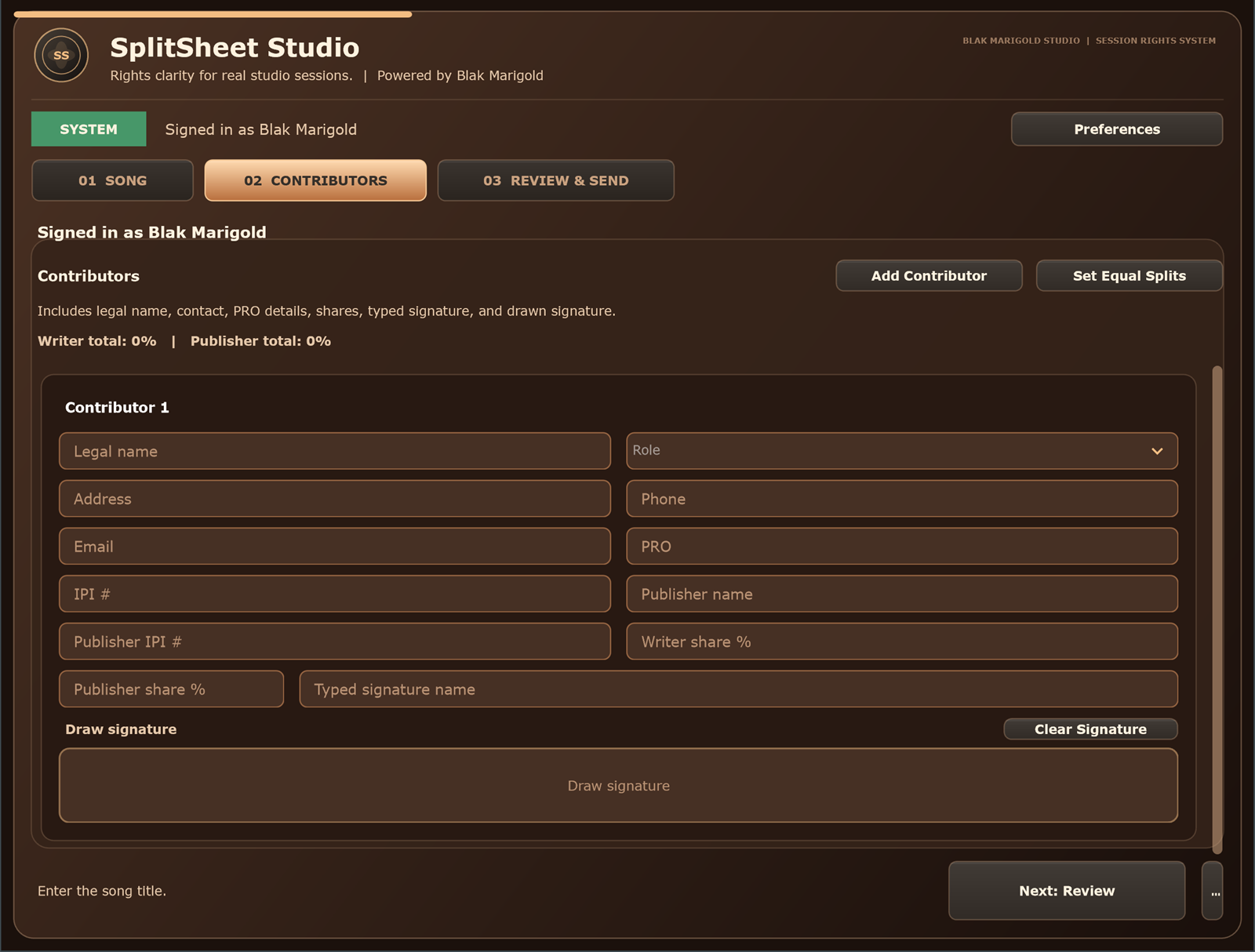
A signed split sheet gives the team one source for legal names, ownership percentages, publishers, and contacts. Without it, collaborators may register different shares or different versions of a name.
Accurate IPI data helps distinguish people with similar names and link creators to works.
Mechanical royalty registration mistakes
- Assuming a distributor registers the composition everywhere.
- Confusing an ISRC with an ISWC.
- Creating duplicate works before searching.
- Leaving publisher information unresolved.
- Submitting shares that conflict with collaborator records.
- Ignoring account, tax, or payment updates.
Build a complete royalty collection stack
An independent setup may include a distributor for master revenue, a PRO for performance royalties, The MLC or an administrator for eligible U.S. digital mechanicals, and other systems for neighboring rights and territories.
Your exact stack depends on your agreements. Start by separating composition and master rights using our copyright guide.
Who should care about MLC data
Self-administered writers
The MLC can matter when you control your publishing and need eligible U.S. digital audio mechanical royalties matched correctly.
Producers
If you own part of the composition, your writer and publisher data should be captured before anyone registers the work.
Managers
Mechanical royalty matching depends on clean titles, writers, shares, publishers, and recording links.
Studios
Collecting IPI and publisher details in the session makes later MLC cleanup easier for clients.
Real session scenario
A song starts streaming, but the work data is incomplete. The artist remembers the split, the producer has a different email, and nobody knows whether the co-writer is self-administered. Matching and claiming become a cleanup project instead of a routine step.
MLC preparation table
| Data point | Why it matters | Where it starts |
|---|---|---|
| Work title and alternate titles | Helps match usage to the composition. | Song metadata sheet. |
| Writers and shares | Defines the composition ownership picture. | Signed split sheet. |
| Publisher/admin data | Identifies who administers the share. | Writer or publisher records. |
| ISRC links | Connects recordings to the underlying work. | Distributor and release metadata. |
Before registering or claiming works
- Confirm the signed splits.
- Collect publisher and self-administered status.
- Add IPIs where available.
- Match recordings and ISRCs to the work.
- Review conflicts or duplicate registrations promptly.
Turn this into a repeatable session system
The best music-rights workflow is boring in the right way: the same fields, same closeout habit, same storage location, and same confirmation path every time. For mechanical royalties work, that means the team should not wait until release week, a sync pitch, or a payment dispute to collect the facts.
- Before the session: ask who is writing, producing, engineering, featured, managing, or controlling the master.
- During the session: capture names, emails, roles, titles, and any beat, sample, or publishing questions as they come up.
- Before people leave: confirm percentages, approval contacts, and unfinished questions while everyone can still answer.
- After the session: save the completed record beside the audio files, metadata, stems, invoices, and release notes.
That rhythm helps artists, producers, studios, managers, and sync teams move faster because the catalog becomes organized by default instead of cleaned up in a panic.
Green-light questions before you move forward
Before treating this mechanical royalties workflow as finished, make sure a person outside the session could understand the record without calling everyone back. A strong answer should be specific enough for a collaborator, publisher, studio admin, or sync clearance contact to act on it later.
- Does the record name every person or company that must approve, register, deliver, or receive a copy?
- Do the percentages, identifiers, credits, and contacts match across the split sheet, metadata, distributor upload, and licensing notes?
- Can the team explain what is still unknown without turning the unknown field into a guess?
- Would the same information help a music supervisor, publisher, manager, or studio assistant move faster under a deadline?
Frequently asked questions
What is The MLC?
The MLC administers the U.S. blanket mechanical license for eligible interactive streams and downloads and distributes related royalties to eligible musical-work rightsholders.
Should every songwriter join The MLC?
Not necessarily. Self-administered writers may need membership, while fully administered writers should confirm who is registering and collecting for them.
Is The MLC a PRO?
No. The MLC's role concerns digital audio mechanical royalties, while PROs focus on public performance licensing and royalties.
Does The MLC register my copyright?
No. Registering a work with The MLC is not the same as registering a copyright with the U.S. Copyright Office.
Why search before registering?
Searching helps prevent duplicate registrations and can improve the accuracy of matching recordings to the correct work.